Zero-Touch Deployment
Secure, configure and deploy business devices at scale without manual setup, reducing deployment time and ensuring every device is ready from day one.
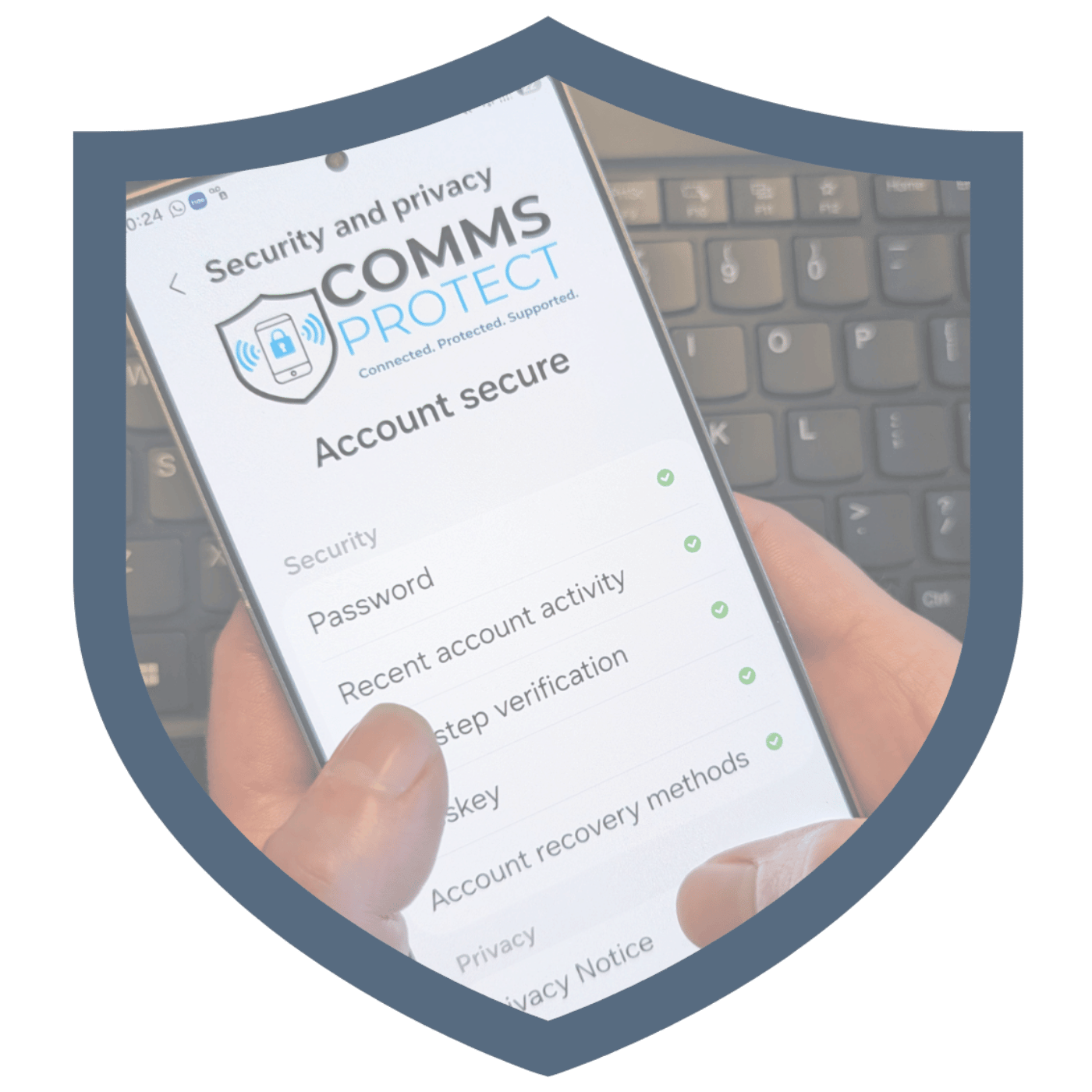
Devices configured before they reach the user.
Zero-touch deployment is a fully automated way to deploy and configure business devices — with no manual setup required.
A simpler, faster and more secure rollout across your entire estate.
Android Deployment Options
Choose the right automated enrolment path for your Android estate.
Set up your Android Zero Touch AccountGoogle Zero-Touch
A vendor-neutral Android deployment platform that works across multiple manufacturers, making it ideal for mixed Android estates.
Multi-manufacturer support
Works across a wide range of Android manufacturers, providing a consistent deployment experience for mixed device estates.
Automated enrolment
Devices automatically enrol into management as soon as users switch them on, removing manual setup.
Security from first boot
Security policies, applications and compliance settings are applied from the moment the device is activated.
Scalable deployment
Deploy a handful of devices or thousands using the same repeatable and controlled process.
Knox Mobile Enrolment
Built specifically for Samsung devices, Knox Mobile Enrolment delivers deeper control and enhanced security features out of the box.
Deep Samsung integration
Built specifically for Samsung devices, enabling tighter integration with Samsung's enterprise ecosystem.
Enhanced controls
Provides additional configuration and management options designed specifically for Samsung hardware.
Advanced security features
Leverages Samsung Knox security capabilities to strengthen device protection and compliance.
Samsung ecosystem support
Ideal for organisations standardised on Samsung devices, accessories and enterprise services.
Comparison Summary
Both solutions provide automated deployment, but Google Zero-Touch is best for mixed Android estates while Samsung Knox Mobile Enrolment is best for Samsung-only deployments. We help you choose, configure and manage the right platform for your business.
Apple Business Manager & Automated Device Enrolment
Apple Business Manager and the Device Enrolment Programme (DEP) give organisations a seamless way to purchase, configure and deploy Apple devices at scale.
Set up your Apple Business Manager AccountBusiness ownership from day one
Corporate ownership is established automatically, giving you control from first boot.
Improved asset tracking
Every device is recorded and linked to your Apple Business Manager account from the start.
Automatic enrolment
New devices join your MDM automatically with no manual configuration.
Foundation for device management
Provides the base for policies, apps, restrictions and lifecycle controls.
Increased compliance
Devices are bound to your security baseline before they reach the user.
Why It Matters
We focus on the business benefits that matter most — speed, consistency, security and scalability.
Faster Onboarding
Devices arrive ready to use from the moment they are switched on, cutting first-day friction for new starters and remote teams.
Consistent User Experience
Applications, settings and security policies are configured automatically, so every employee gets the same reliable setup.
Reduced IT Workload
Devices can be shipped directly to employees without IT unboxing, staging or manual enrolment.
Scalable Deployment
Deploy one device or thousands using the same controlled, repeatable process as your business grows.
Improved Security
Security policies, compliance settings and protection controls are applied automatically from day one, reducing risk and improving governance.
Zero-Touch Deployment Is Just The Start
Mobile Device Management
Getting devices into users' hands quickly is important. Managing them securely, compliantly and efficiently is what delivers real business value. Our fully managed MDM services take care of the day-to-day management, so your team can focus on more important priorities.
Explore Mobile Device ManagementCommon Questions, Straight Answers
Do I need Apple Business Manager or Google Zero-Touch already set up, or do you handle that?
We handle the full setup for you — including registering your Apple Business Manager or Google Zero-Touch account if you don't already have one, and configuring it correctly from the start.
Ready to Simplify Device Deployment?
Whether you're deploying ten devices or thousands, Comms Protect can help you create a secure, scalable and efficient deployment process.